
Amazon affiliate platform for brands
Amazon affiliate platform that sends creator traffic to your listings
Connect your Amazon seller or vendor account, pick the listings you want promoted and set a commission. Creators add your products to their content, Amazon Attribution tags every link, and you pay only on settled sales.
 Your listings can also reach creators in shopID.

What creators see on Amazon products
See both sides
You launch it. Creators get their links in four taps.
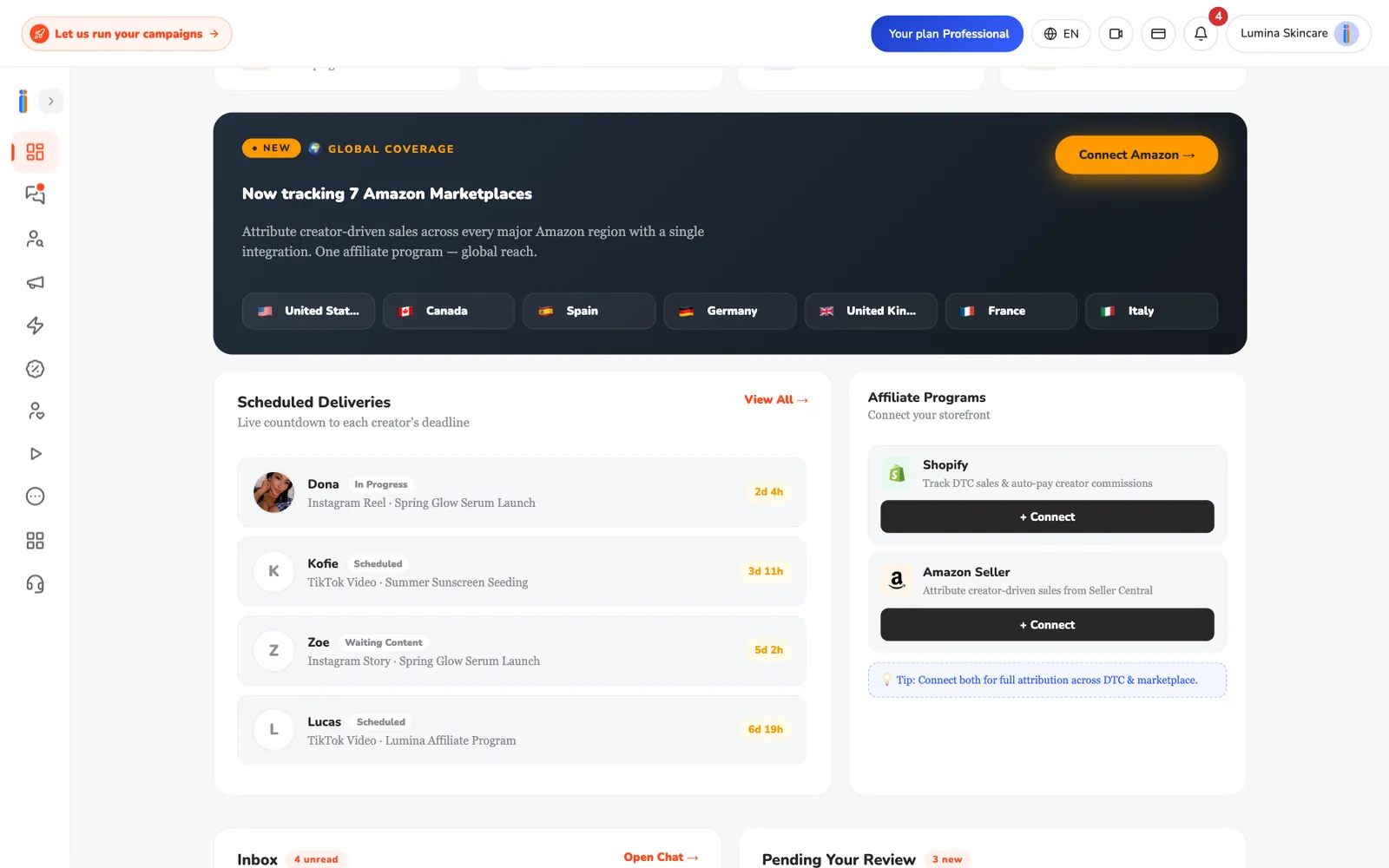
On the left, the brand dashboard where you connect Amazon and launch a campaign. On the right, the creator app where a creator opens it, taps Generate Link and has tracked links for every product.
- 1
You set the rules
Connect Amazon, switch on the listings you want promoted and set a percentage for each.
- 2
Creators join in one tap
No application and no waiting. A creator with an approved social account joins and is approved at your rate.
- 3
You both see the numbers
Amazon Attribution clicks and sales land in your dashboard and in the creator’s link analytics.
How it works
From Amazon listing to creator link in five steps
Setup happens in your Ainfluencer dashboard. No code, and no tracking links to build by hand.
Connect Amazon
Sign in with the account that owns your Seller Central or Ads profile. The marketplace must support Amazon Attribution.
Switch on your products
Your listings are imported. Turn on the ASINs you want creators to promote.
Set the commission
Choose a percentage for each product. Creators see it before they join.
Add a payment card
Commission is charged to your card once a sale is old enough to be billed.
Launch the campaign
Creators with an approved social account join in one tap and get tracked links for every product.
Launch
Launch an affiliate campaign in a few clicks
Choose the affiliate campaign type, name it, pick the products and set a commission for each. Creators see your rate before they join.
- Pick the affiliate campaign type and name the campaign
- Select the Amazon listings creators can promote
- Set the commission for each product
- Launch, then watch the campaign appear in your dashboard
Sample campaign and products.

Find creators
Find creators who fit, then invite them to your program
Filter by country, category and audience, open a profile before you decide and save the creators you like to a list. Invite one creator or a whole list to your affiliate campaign.
- Filter creators by country, category, platform and followers
- Open a full profile before you invite anyone
- Save creators to lists and invite a list in one go
- Creators can also find your campaign in the app and join it themselves
Invites count against your plan’s monthly invite allowance. Sample creators.

In the catalogue
Real Amazon products, with the commission creators see
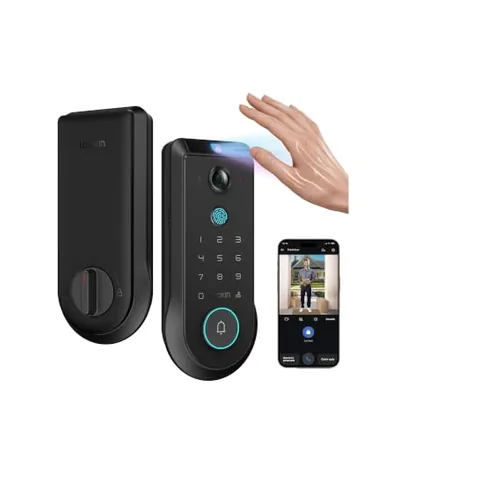
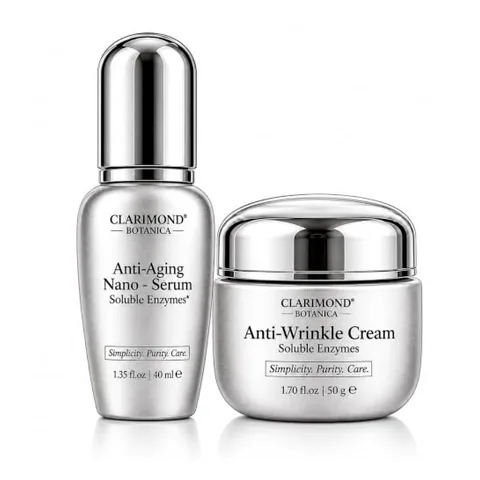
A sample read from the shopID catalogue on 21 November 2026. Each card shows the price, the rate the brand set and what a creator earns on one sale.
 35%
Veno Pro smart lock with palm vein entry
 35%
Waterless anti-wrinkle face cream and serum set
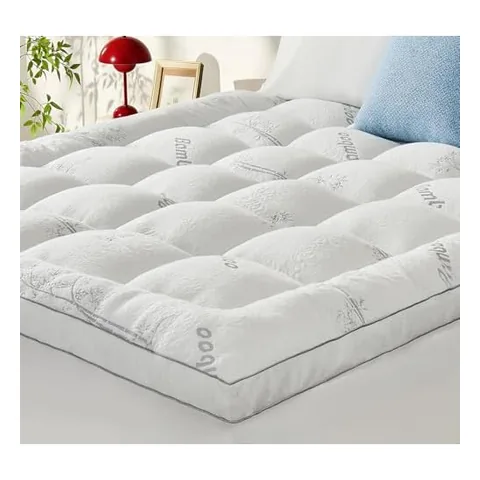 30%
Memory foam mattress topper, queen
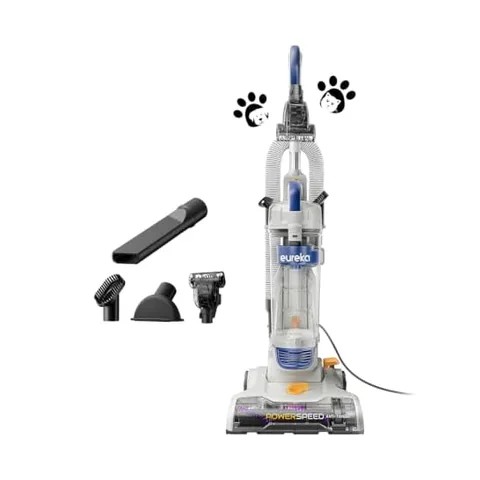 35%
PowerSpeed upright vacuum cleaner
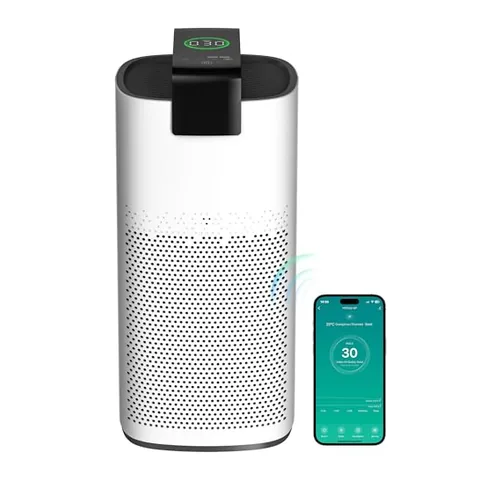 31%
HEPA air purifier for large rooms
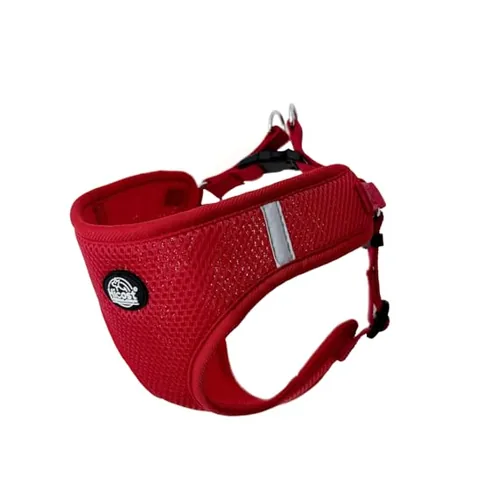 30%
Adjustable mesh dog harness vest
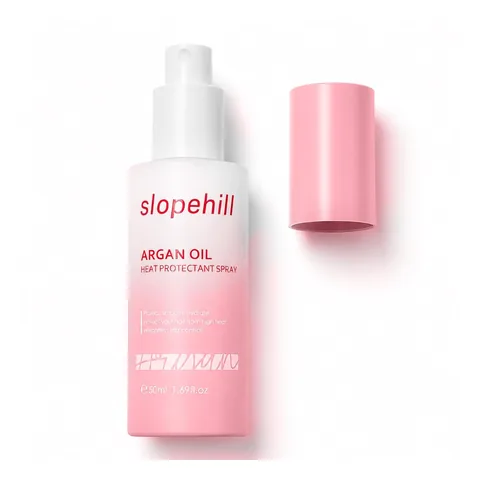 30%
Argan oil heat protectant hair spray
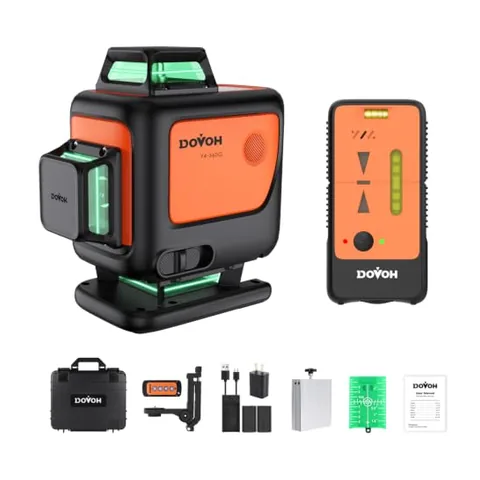 30%
4D outdoor laser level with receiver
Your products can sit on this shelf
Set the rate and creators see it before they join.
Start your programA sample only. Prices and rates belong to each brand and change. Creator earnings are the price times the rate, before any fee or discount.
Paid collaborations
Want a post as well as sales? Pay for it with escrow.
Commission is the default way to pay creators. When you also want a specific post, agree the terms in chat and fund it. The money is held in escrow until you approve what the creator published.
- Chat with the creator and agree the offer inside Ainfluencer
- Pay into escrow at checkout before the creator starts
- Follow the scheduled post and approve it when it is live
- A paid collaboration is separate from affiliate commission and has its own fee, set by your plan
Sample offer and creator.

Full control
Your program. Your rules.
Talk to creators directly, hand out a code, send samples first and watch what Amazon credits. Each lever is yours.
1Direct chat
Talk to every creator directly
Brief creators, answer questions and send one message to a whole campaign from your inbox.
MAYA20 is live on your link.2Discount codes
Give creators a code
Create the code in Amazon Seller Central, then add the same code in Ainfluencer. Amazon applies the discount.
3Samples first
Send the product before they post
Run a gifting program on the same listings. You approve creators and ship the product yourself.
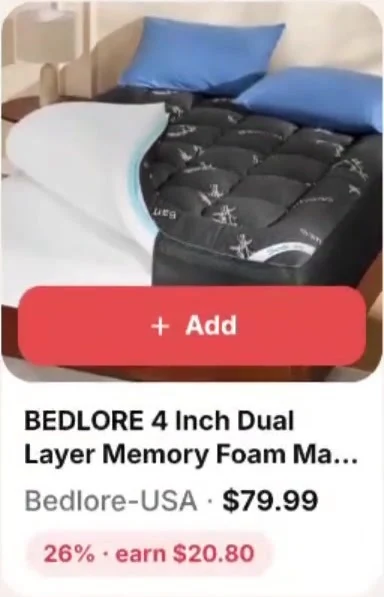
4Your rate
A percentage, product by product
Set the share of each sale a creator earns. Different products can carry different rates.
5Reports
See what Amazon credits
Clicks, add to carts, sales and commission by day, product and creator, plus your Amazon Brand Referral Bonus.
Sample creators, codes and rates.
Your dashboard
Every click, order and creator in one place
Programs, campaigns, affiliates and performance sit in the same dashboard, with the wallet for paid collaborations next to them.
- See each creator’s clicks, orders and earnings in a campaign
- Amazon numbers come from Amazon Attribution reports pulled every day
- Weekly performance bars for clicks, orders and revenue
- One wallet for collaborations, with the money held in escrow shown separately
Sample campaign and numbers.

What is inside
Everything an Amazon creator program needs, nothing it does not
From the first invite to the last payout, with Amazon’s own attribution data behind every number.
Find and invite creators
Search creators and invite them to your campaign one by one or in bulk.
Be found in the app
Creators discover your campaign in the Ainfluencer app and join from the campaign page, with your rate on every product.
Two tracked links per product
Each creator gets an Ainfluencer link and a direct Amazon link. Both are tracked and credited to them.
A product page that sells
The Ainfluencer link opens a page with your product, the creator’s branding and any code, then sends the shopper to Amazon. If a product disappears, the shopper is redirected.
Amazon’s own numbers
Sales come from Amazon Attribution reports pulled daily for the last 60 days, so you see what Amazon credits, not an estimate.
Commission worked out for you
Each sale is priced from the contract that covered the product on the sale date. No spreadsheet.
Billing and payouts
Your card is charged 35 days after the sale and Stripe pays the creator. There is no minimum payout.
A daily digest
New partners, join requests and top performers reach your inbox, so you know who to talk to.
More than one brand
Connect several Amazon brands. Each one counts as a program in your plan.
The creator storefront app from brandID, our sister productYour Amazon listings, on a shelf creators browse.
shopID is the creator storefront app from brandID, our sister product. Creators browse a catalogue, see the commission on every product, tap Add and the product lands in their storefront. Your Ainfluencer program and shopID are separate products, so listing is arranged with our team: ask when you launch.
commission on the sample products above, as creators see it in shopID
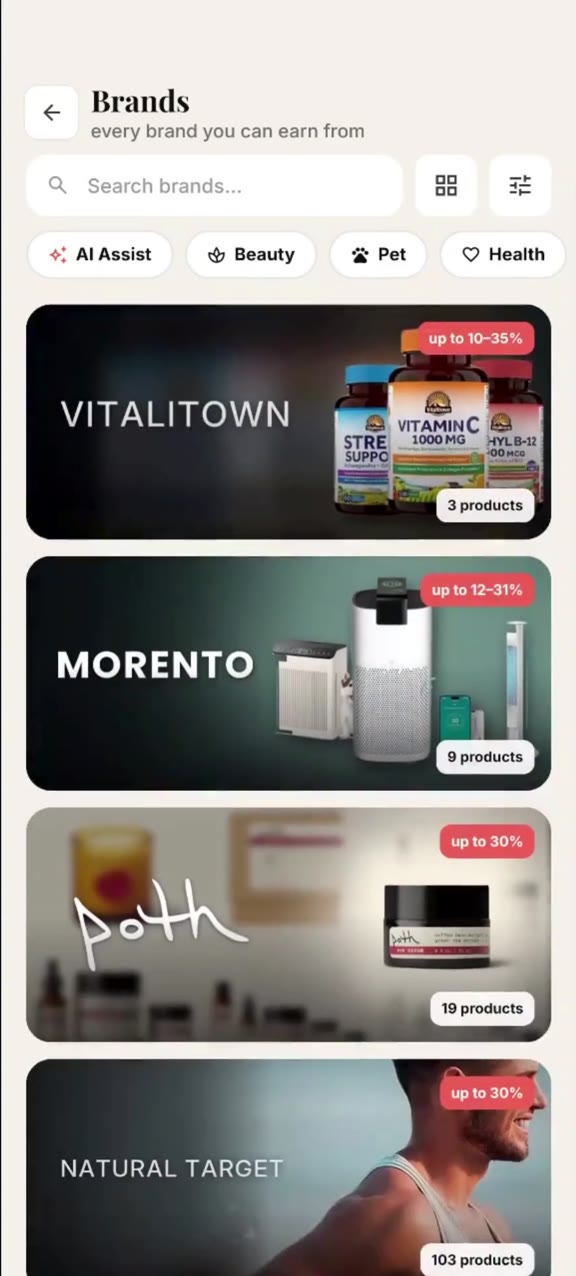
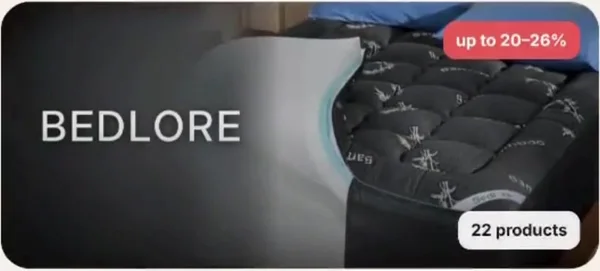
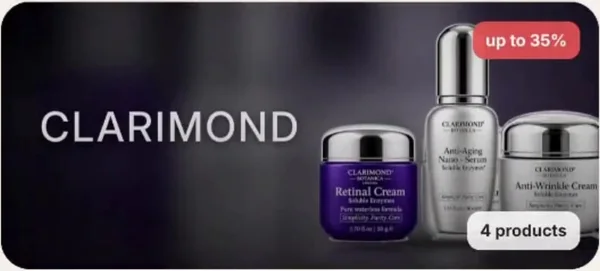
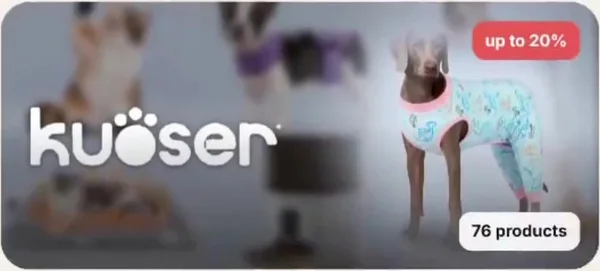
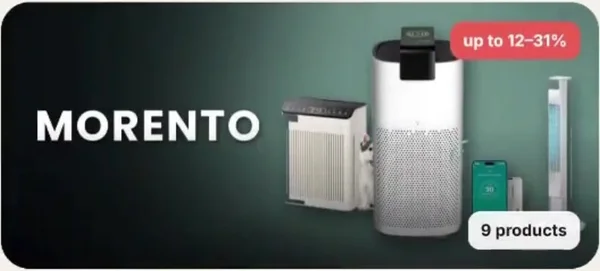
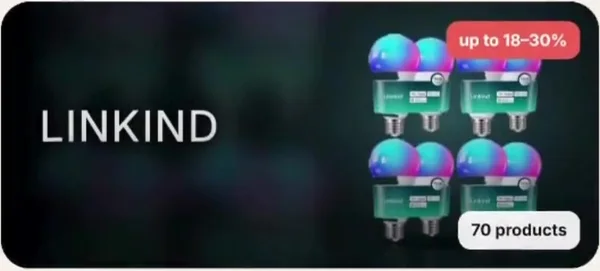
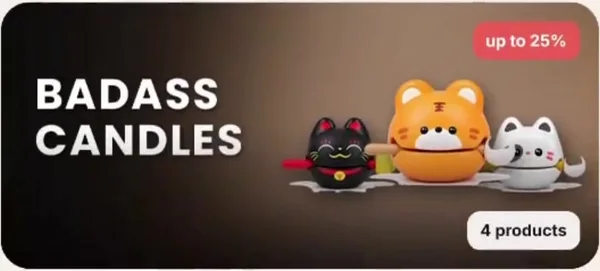
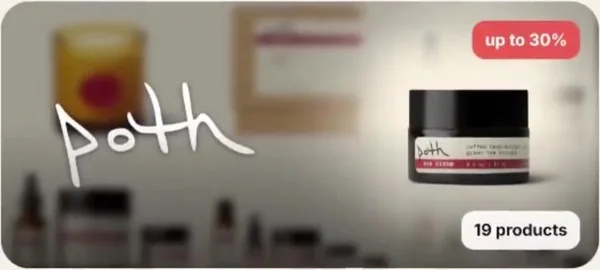
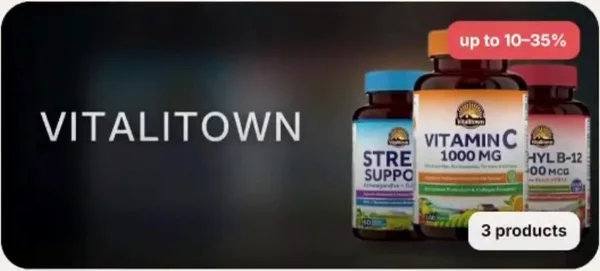
The brands directory in the shopID app
How creators see it
Creators shop by brand, by category and by commission.
Each card shows what a creator earns per sale before they add it, so a clear offer is easy to compare with the rest of the shelf.
How you pay, and when
Nothing is charged until a sale has settled
Commission is the default way to pay creators, and the card on file is charged on a fixed schedule.
- 1
Amazon credits a sale
Amazon reports the sale against a creator’s link inside its 14-day window and it shows in your report.
- 2
It waits 35 days
Sales are billed only once they are 35 days old, so returns settle before you pay.
- 3
Card charged, creator paid
You are charged the full commission. Stripe pays the creator, minus Ainfluencer’s fee, which your plan sets.
FAQ
Questions brands ask
Ready to start? Connect Amazon and your first program can be live today.
Which Amazon accounts can I connect?
Seller or vendor accounts that have Amazon Ads access in a marketplace supported by Amazon Attribution: the US, Canada, the UK, Germany, France, Italy, Spain and Mexico. Sign in with the Amazon account that owns the Seller Central or Ads profile.
How are Amazon sales tracked, and why do my numbers differ from Seller Central?
Creator links carry Amazon Attribution tags. Every day Ainfluencer pulls Amazon’s attribution report for the last 60 days and matches each row to a creator, a product and a contract. Reports count only the sales Amazon attributes to creator links inside its 14-day window, not your total store sales, and recent days can arrive one to three days late.
Can I pay a fixed amount per sale on Amazon?
Amazon programs are set up as a percentage of the sale, chosen product by product. Creators see the rate on the product before they join.
When am I charged?
A sale is billed only when it is 35 days old, which gives Amazon returns time to settle. Your card on file is charged the full commission and Stripe pays the creator. Ainfluencer’s fee is taken from the commission and is set by your plan.
Can I give creators a discount code?
Yes. Create the code in Amazon Seller Central, add the same code in Ainfluencer, and creators attach it to their links. Ainfluencer stores and shares the code, and Amazon applies the discount.
Can I send samples before creators post?
Yes, with a product gifting program built from the same listings. You approve the creators and ship the product yourself. Every plan can launch a gifting program, and inviting creators needs a paid plan.
How many programs does my plan include?
Free and Starter include 1 active program, Pro includes 2 and Ultimate is unlimited. Each Amazon brand or Shopify store counts as one. See the plans and prices.
Will my products appear in shopID?
shopID is the creator storefront app from brandID, our sister product, and it has its own catalogue. Your Ainfluencer program and shopID are separate, so listing is arranged with our team: ask when you launch and we will pass your products on. Read about shopID.
Give your Amazon listings a louder audience.
Connect Amazon, set a commission and let creators bring traffic from outside Amazon.

