
shopID app: a storefront for everything you recommend
Pick products from real brands, add them to one page at brandID.app/you, and earn commission when your followers buy. You see your cut before you add a thing.

How it works
From product to payout in three taps
No code, no design skills, no spreadsheets. Everything happens in the app.
- 1
Find what you love
Browse the catalogue, filter by commission or brand, or describe your next post to AI Assist.
- 2
Add it to your storefront
Tap Add. Sort products into tabs and collections, hide the ones you are not ready to show.
- 3
Share one link, earn on every sale
Put brandID.app/you in your bio, your videos and your posts. Every sale through it is tracked for you.
Shop
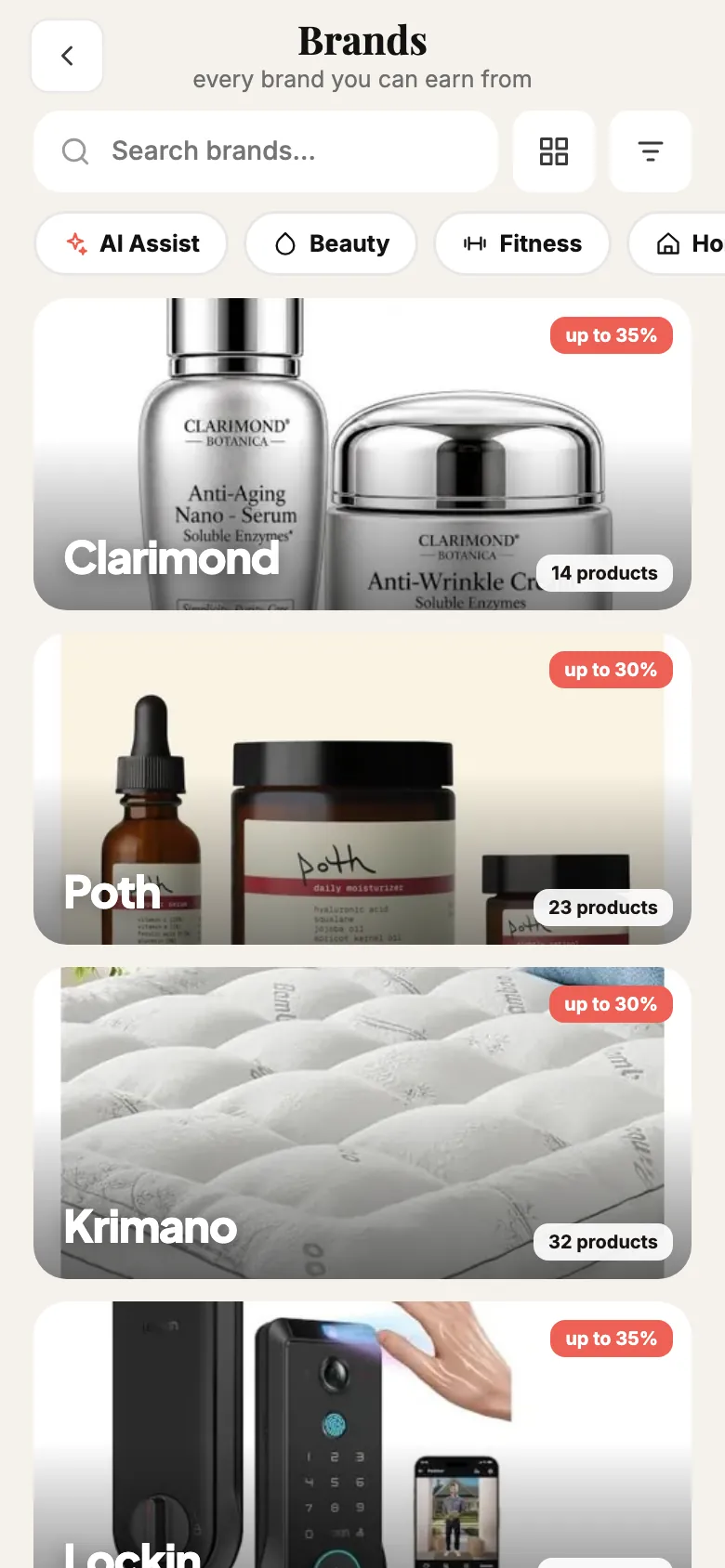
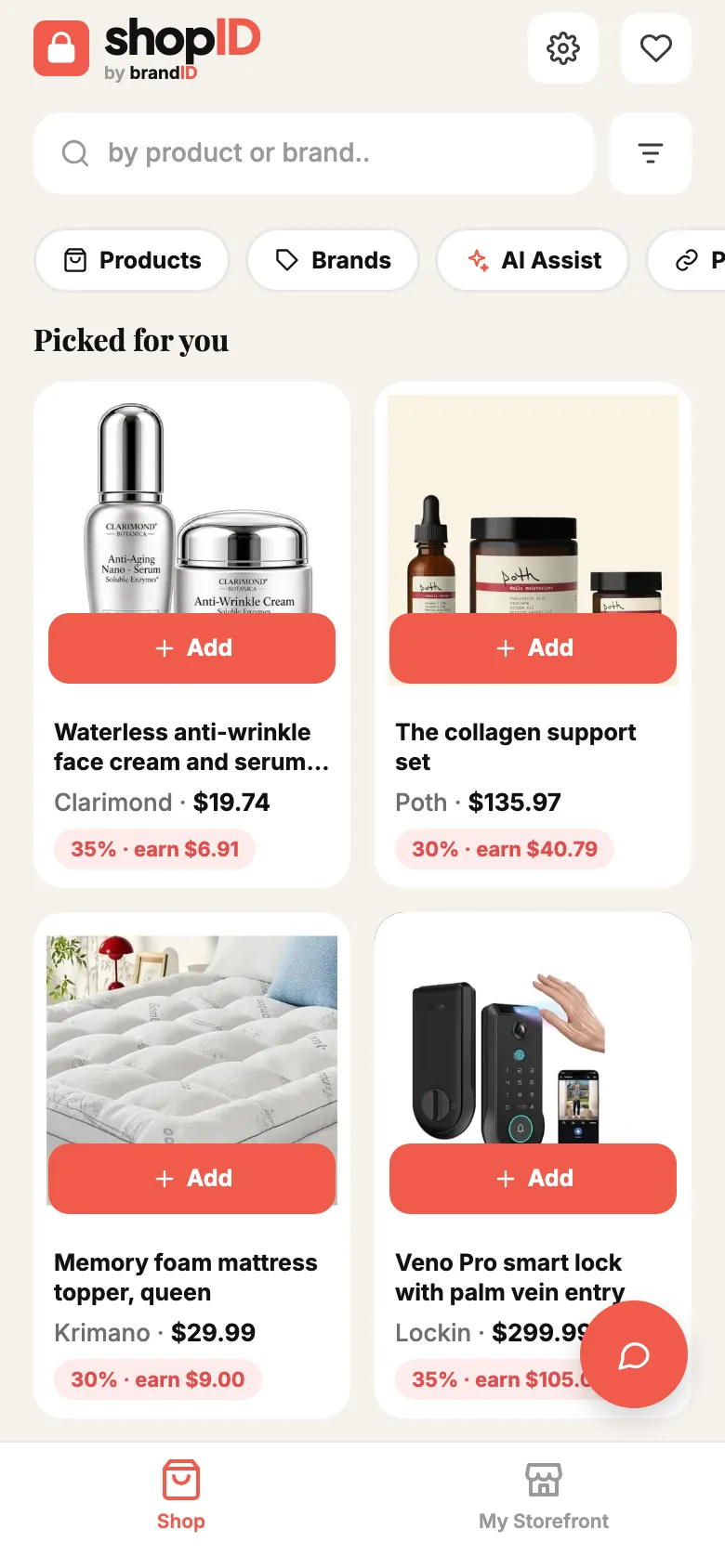
Browse real products and see what you earn first
Every card shows the price, the rate the brand pays and what one sale puts in your pocket. No guessing, no clicking through to find out.
- Filter by category, brand, country, commission and price
- Browse by brand and spot the best rates at a glance
- Save favourites and come back to them later
- Search the whole catalogue by product or brand
Product page
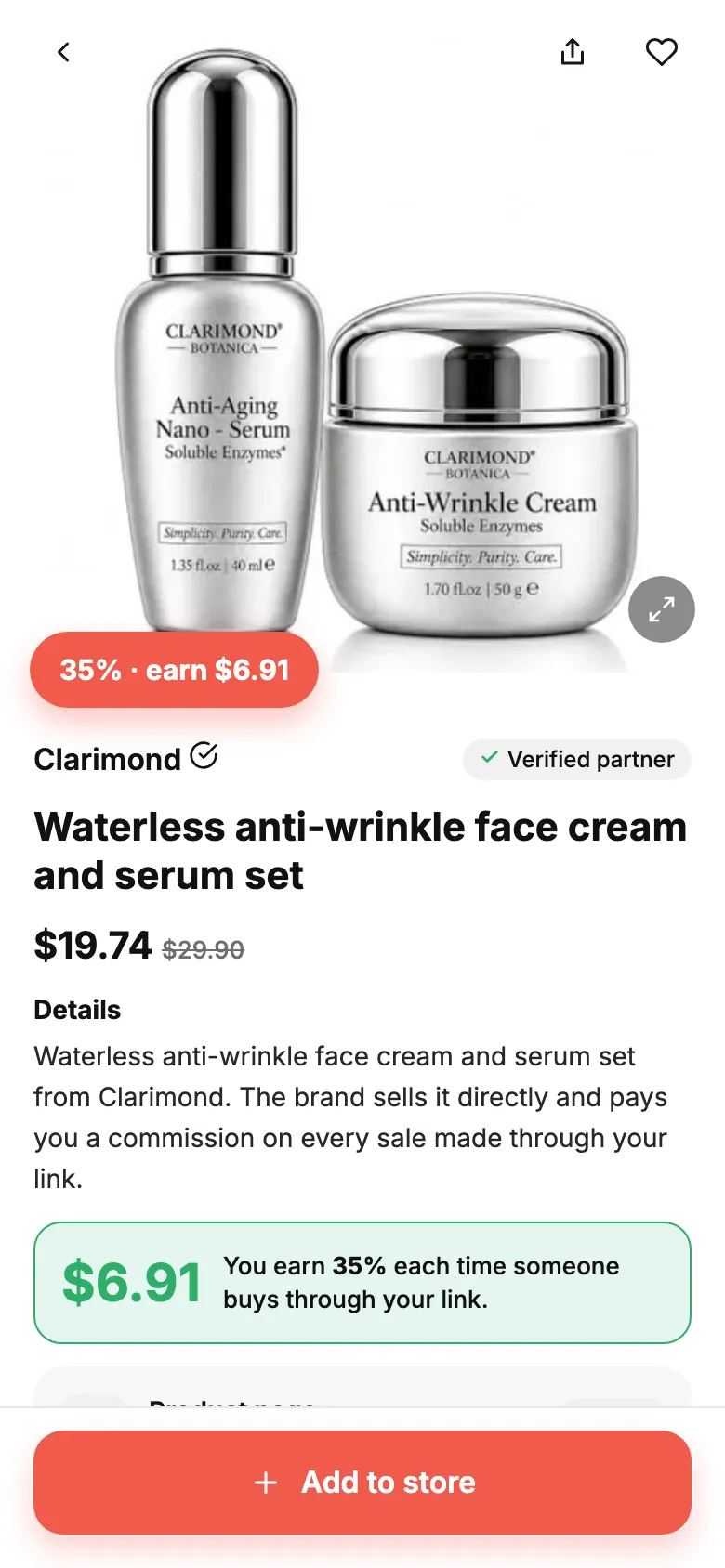
Know your cut on every product
A product page tells you the price, the brand and exactly what you earn each time someone buys through your link, so you only add what is worth your audience’s money.
- A clear box with the rate and your earnings on one sale
- Your own tracked link, one tap to copy or share
- Brand details and a verified partner label
- Add to your store in one tap
AI Assist
Describe your next post. Get the products.
Tell AI Assist the vibe, the audience or the occasion in a sentence, and it finds matches you can add to your store.
- Ask for products or for brands that fit your audience
- Try suggestions like skincare on a budget or cozy fall vibes
- Paste any product link and turn it into an earning link
- Follow up with a new question without starting over

Storefront
Build a page that is yours in minutes
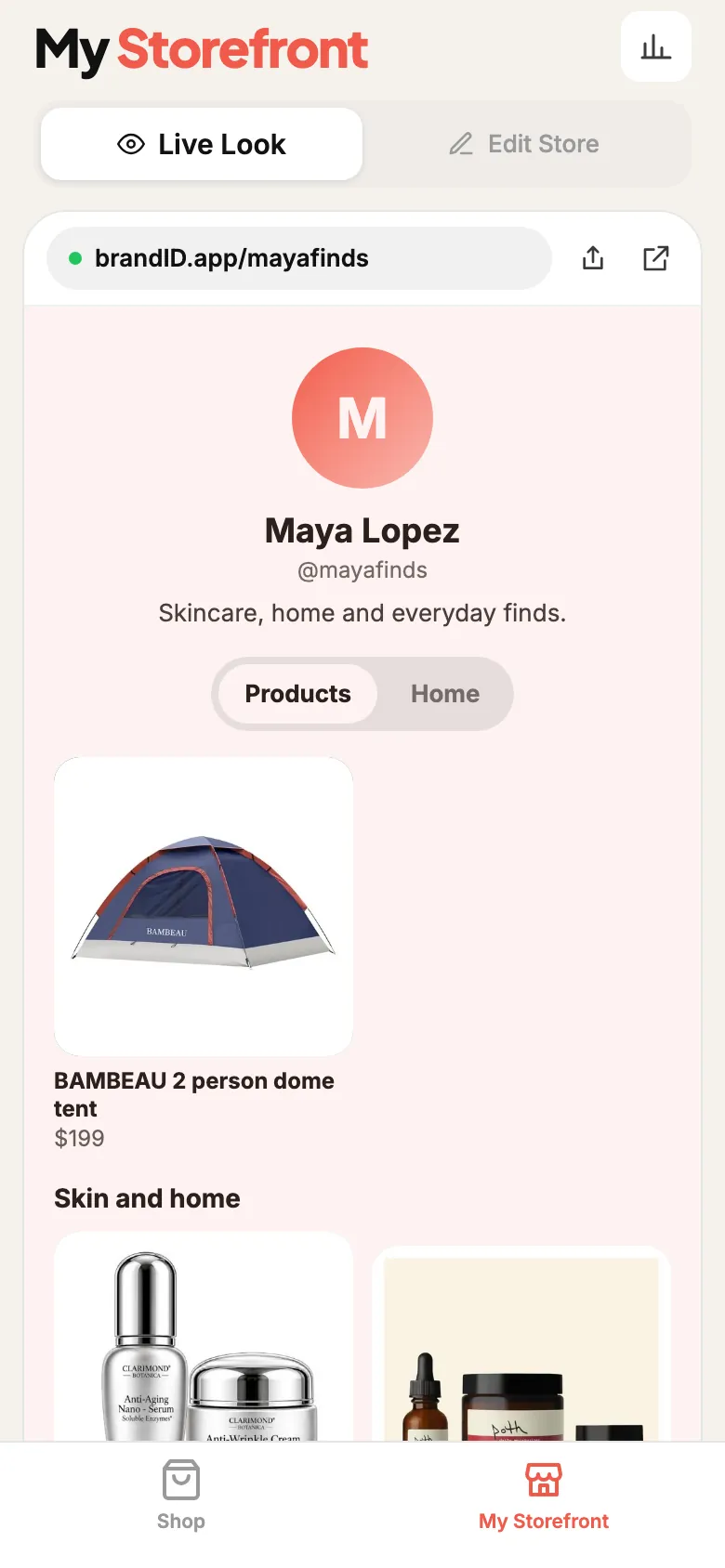
Your storefront is one shoppable page. Preview it exactly as shoppers see it, then switch to Edit and shape it.
- Live Look shows your page as visitors see it
- Tabs and collections group products the way your audience thinks
- Hide or archive a product without deleting it
- Drag to reorder, and see how many products are on or off
Visits and earnings in the screens are sample data.

Design
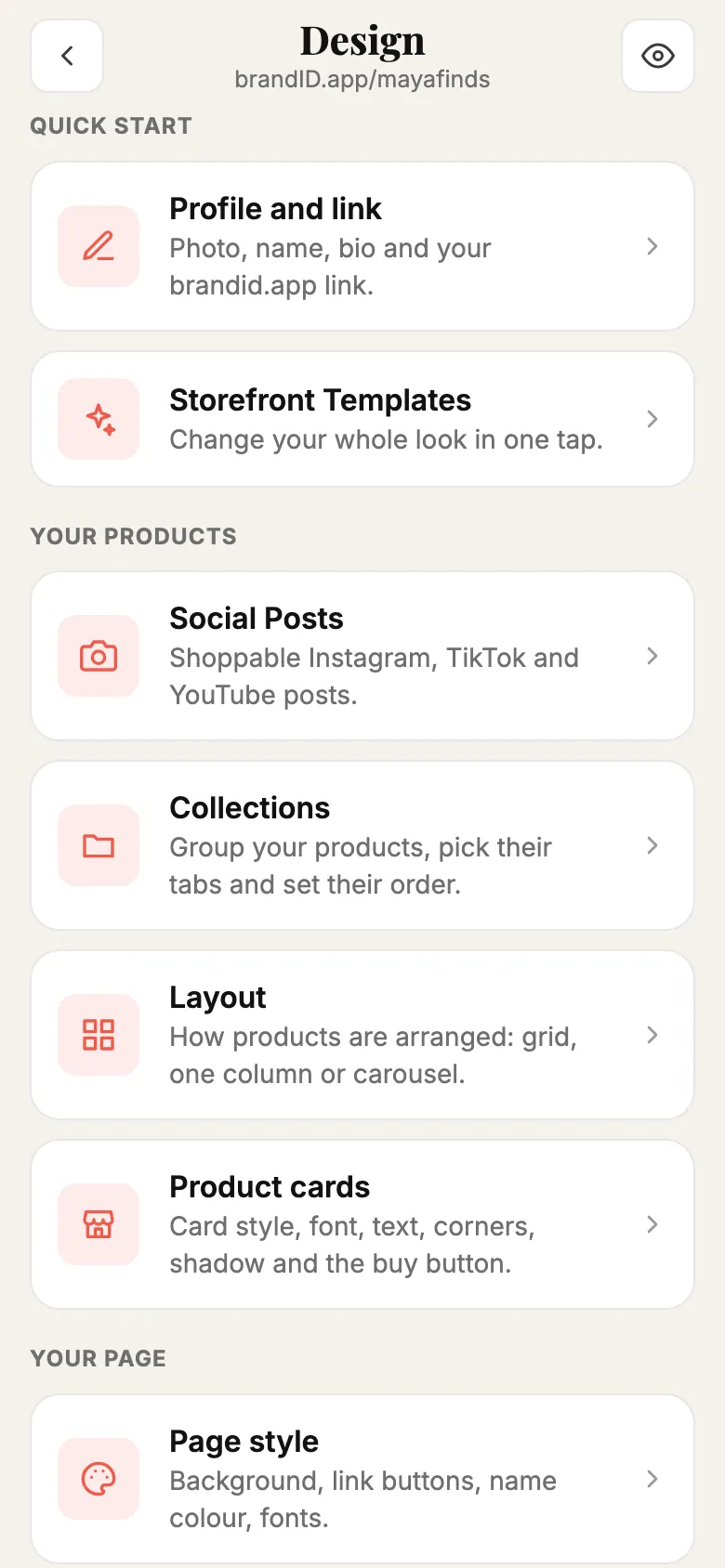
Make it look like you, not like a template
Change the whole look in one tap, then fine tune the details until the page feels like your feed.
- Ready-made templates, from soft Blush to bold Ink
- Your photo, name, bio and your own brandID.app link
- Fonts, layout, card style, page style and tab style
- An affiliate disclosure built in and editable

Share
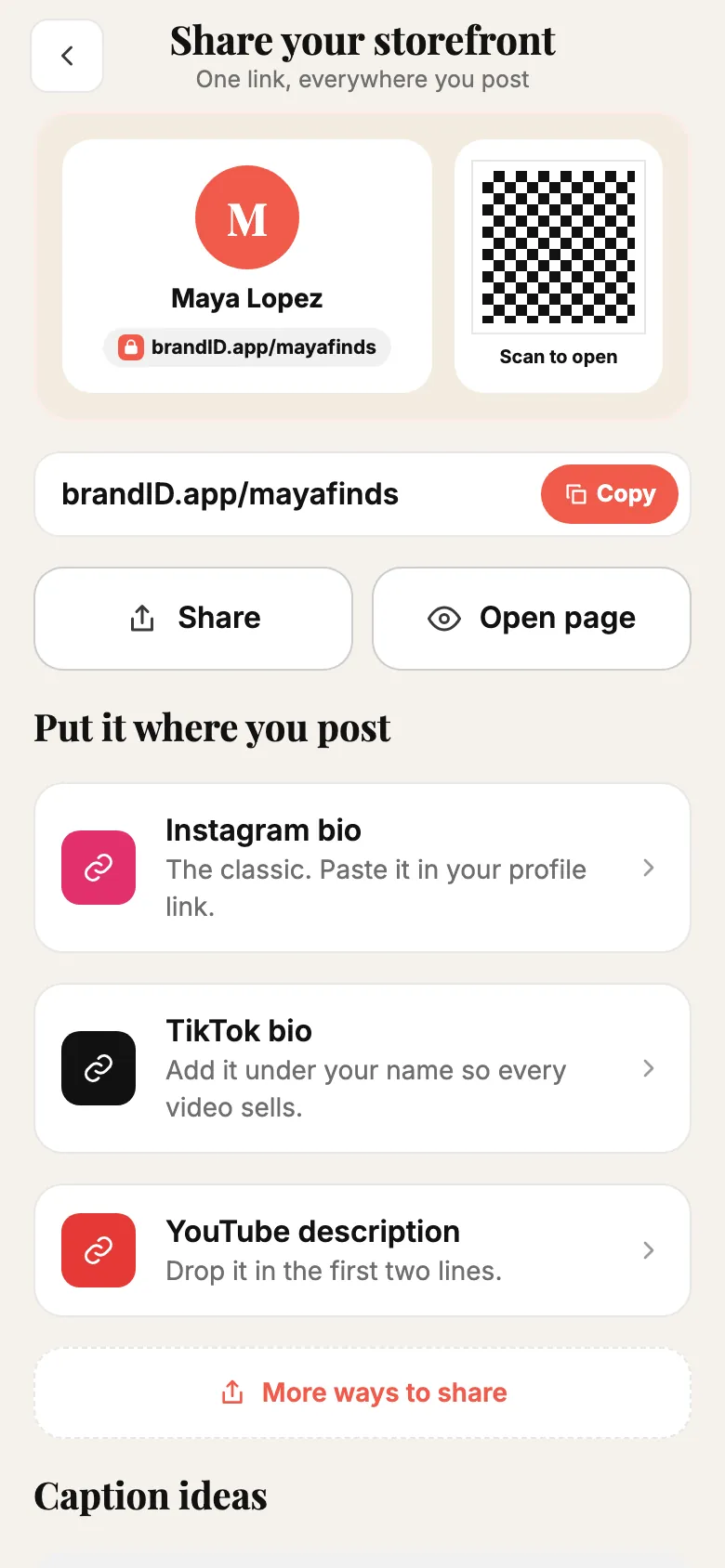
One link for everywhere you post
Put the same link in every bio and description. Add your posts to the page and tag the products in them, so a video can sell long after it goes up.
- brandID.app/yourname, with a QR code to scan
- Ready-to-paste ways to share on Instagram, TikTok and YouTube
- Shoppable posts from all three platforms
- Caption ideas to get you started
Earnings
See what is working, product by product
Know what you have earned, what is still pending and which products your audience actually clicks.
- Total earned, with confirmed and pending split out
- Link clicks, tracked links and order value
- Views, clicks, sales and commission per product, over 7 days to 12 months
- Recent sales with their status: confirmed, pending or rejected
The screen shows sample numbers to illustrate the layout. They are not results you should expect.

Top commissions
Shop by category, ranked by what pays
We read the brandID catalogue on 21 November 2026. Each tile shows the highest rate we found in that category and the product behind it.
Get the app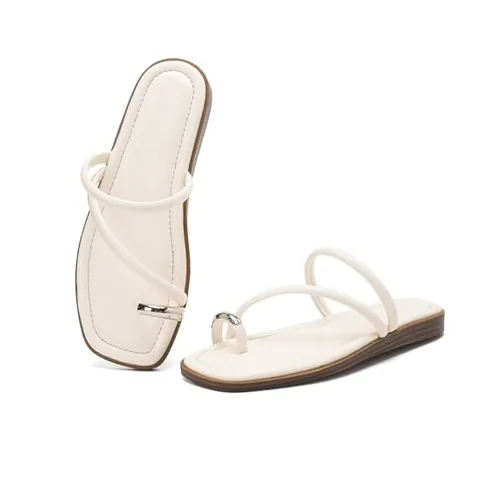
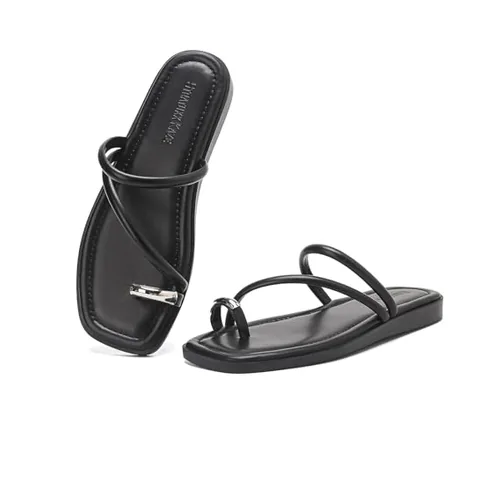
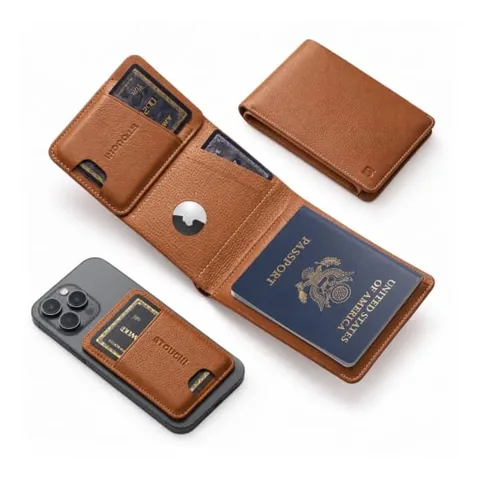
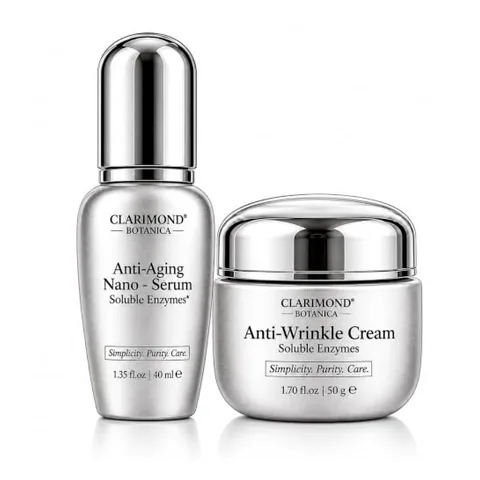
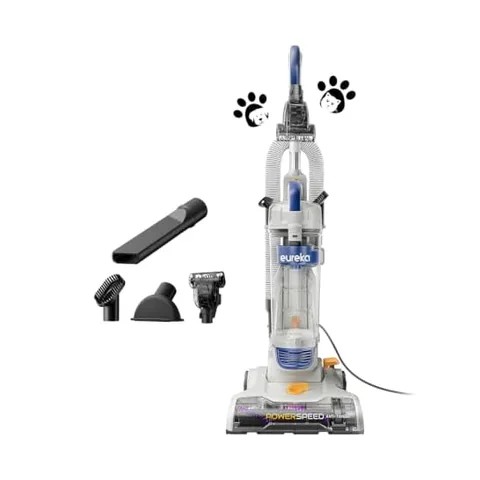
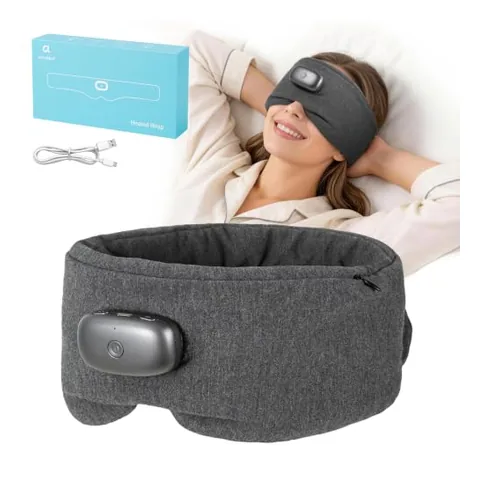
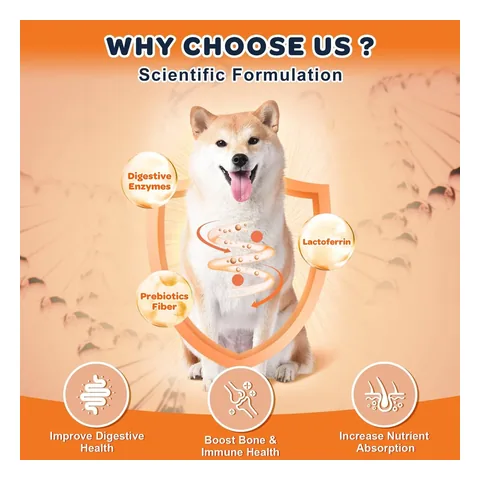
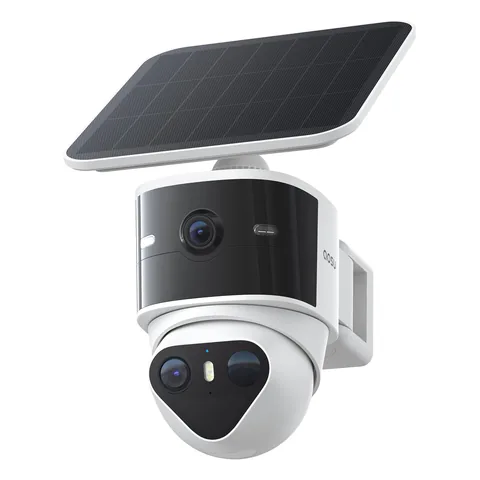

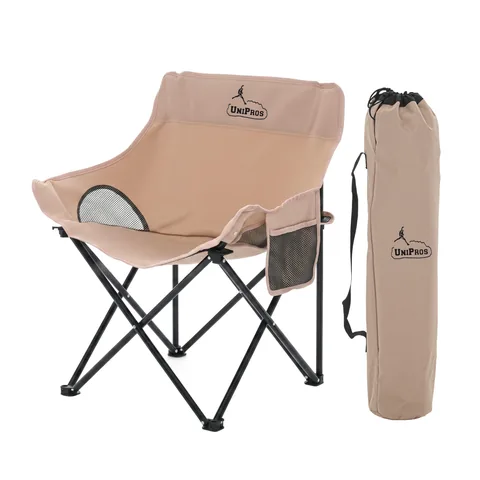
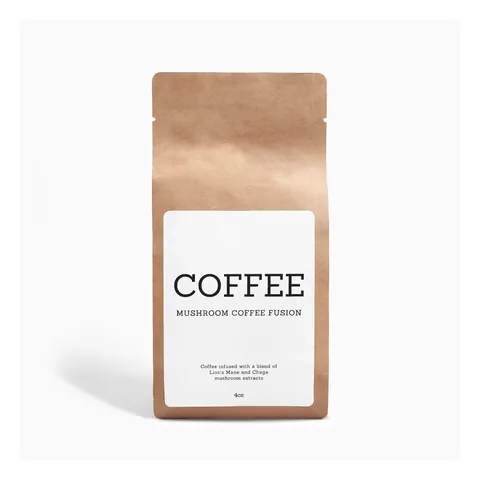
Highest rate found, by category
Top products by commission
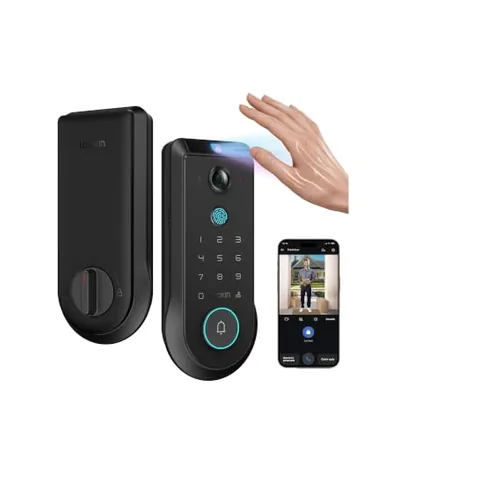
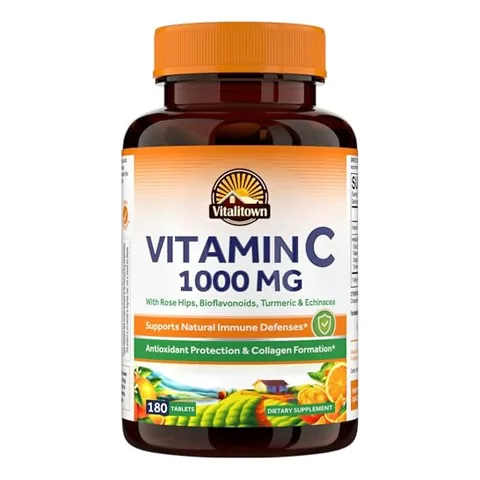
A scan, not the whole catalogue. The catalogue lists the highest commission first, so each tile shows the top of its category. Rates and prices belong to each brand and change. Earnings are the price times the rate, before any discount.
And the rest
Small things that make it feel finished
20 languages
English to Persian, Spanish to Japanese. Pick yours in Settings.
Light and dark
Follows your phone, or set it yourself. Your page keeps its own style.
Support in the app
Chat with the shopID team from any screen, no email back and forth.
Sign in your way
An email code, or connect a brandID page you already have.
For brands
Have a brand? Get your products in front of creators.
shopID has its own catalogue, run by brandID. The way in is an affiliate program: set a commission, connect your store, and ask our team to pass your products on.
The rate you set, the price and what a sale earns them, on every product card, next to the products they already trust.
Plans
Start free. Pay only when you need more.
Your first page is free. Paid plans add pages, unlimited products, full analytics and your own design.
- Your page at brandID.app/you
- 1 page
- Browse and add products
- Up to 25 products per page
- Basic analytics
- 1 page
- Unlimited products
- Full analytics and earnings
- Shoppable posts
- Custom design
- Everything in Pro
- Priority support
- Remove the brandID badge
Prices are per page, per month, as shown in the app at the time of writing. A discount applies for several pages. Check the app for current plans.
FAQ
Questions creators ask
Still unsure? Open the app, browse, and add your first product. It takes a minute.
What is shopID?
shopID is a creator storefront app from brandID. You browse a catalogue of products from real brands, add the ones you recommend to one shoppable page at brandID.app/yourname, and earn a commission when someone buys through your link.
Is shopID free?
Creating a storefront is free. Paid plans add more pages, unlimited products, full analytics and custom design. Browsing the catalogue works without an account.
How do I earn?
Each product shows the rate the brand pays and what you earn on one sale, before you add it. When a shopper buys through your link, the sale appears in Earnings as pending and is then confirmed or rejected.
When and how do I get paid?
Payout details live in the app under Account, in How payouts work. Rates, confirmation and payouts follow each brand’s terms, so read them before you rely on a product.
Do I need an Ainfluencer account?
No. shopID is run by brandID. You sign in with an email code, or connect a brandID page you already have. New emails get a free brandID account.
Does it work with Instagram, TikTok and YouTube?
Yes. Use your one link in your Instagram bio, your TikTok bio or your YouTube description, and add posts from the three platforms to your page, tagged with the products in them.
Are the links affiliate links?
Yes. Your page carries an affiliate disclosure that you can edit, so your audience knows you earn a commission at no extra cost to them.
I run a brand. How do my products get into shopID?
shopID has its own catalogue, run by brandID, and listing is arranged with our team. Start with an affiliate program: see the Shopify affiliate program or the Amazon affiliate platform, then ask us to pass your products on.
Claim your link and start with one product.
Download shopID, pick something you already love and add it to your page. Your first page is free.
Links on a shopID page are affiliate links. Creators earn a commission when you buy, at no extra cost to you.
