
Shopify affiliate program for brands
Shopify affiliate program that turns creators into your sales channel
Connect your store, choose the products and the commission, and creators in the Ainfluencer app promote you with tracked links. A pixel on your store credits every purchase to the right creator.
 Your products can also reach creators in shopID.

What creators see on Shopify products
See both sides
You connect the store. Creators sell from their own storefronts.
On the left, the brand dashboard where you connect Shopify and launch a campaign. On the right, the creator app where a creator opens it, taps Generate Link and gets a tracked link for every product.

- 1
You connect once
Enter your store address, approve the app, choose a percentage or a fixed amount and launch.
- 2
Creators join in one tap
No application and no waiting. A creator with an approved social account joins and is approved at your rate.
- 3
The pixel keeps score
Purchases made through a creator’s link are credited to them as they happen, and you see them in your dashboard.
How it works
From Shopify store to creator storefronts in five steps
Everything runs from your Ainfluencer dashboard. You do not edit a theme or paste a code snippet.
Connect your store
Enter your .myshopify.com address and approve the app in Shopify.
Products sync in
Your catalogue is imported. Switch on the products creators can promote.
Add a payment card
Commission is charged to it once a sale is old enough to be billed.
Pick the commission
A percentage of the order lines or a fixed amount per unit, product by product.
Launch and invite
Publish the campaign and invite creators, or let them find it in the app.
Connect Shopify
Connect your store from the Programs tab
Enter your store address, approve the Ainfluencer app in Shopify and your products sync in with a tracking pixel.
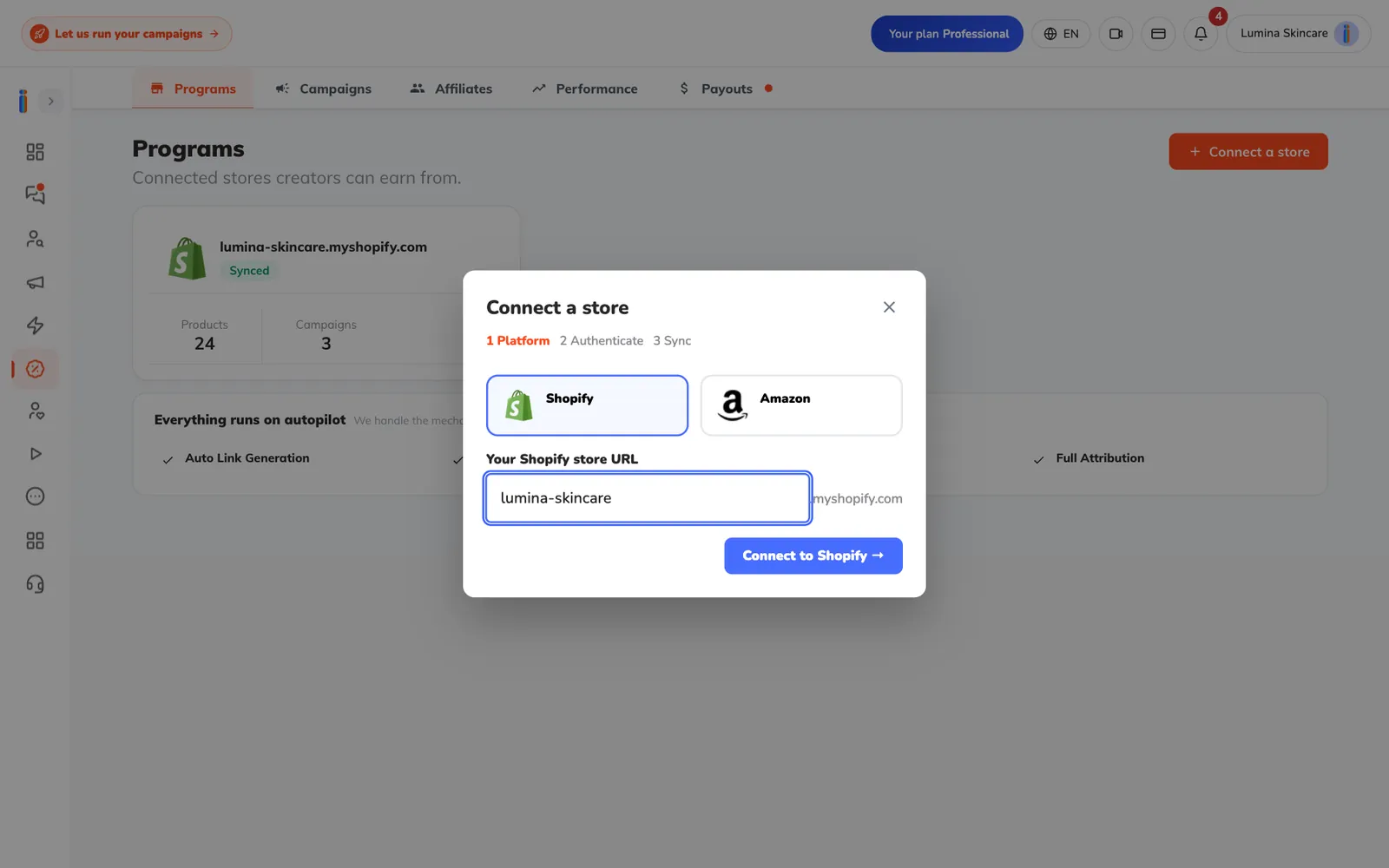
The Programs tab with a synced Shopify store. Sample data.
Search and invite
Search creators and invite them to sell your catalogue
Narrow the list by country, category and audience, check a profile first and keep the creators you like in a saved list. Then invite them to your affiliate campaign.
- Search by country, category, platform and followers
- Read a creator’s profile before you reach out
- Keep favourites in lists and invite a whole list at once
- Creators who browse the app can find your campaign and join without an invite
Invites use your plan’s monthly allowance. Sample creators.

In the catalogue
Real Shopify store products, priced and rated by their brands
A sample read from the shopID catalogue on 21 November 2026. Each card shows the price, the rate the brand set and what a creator earns on one sale.
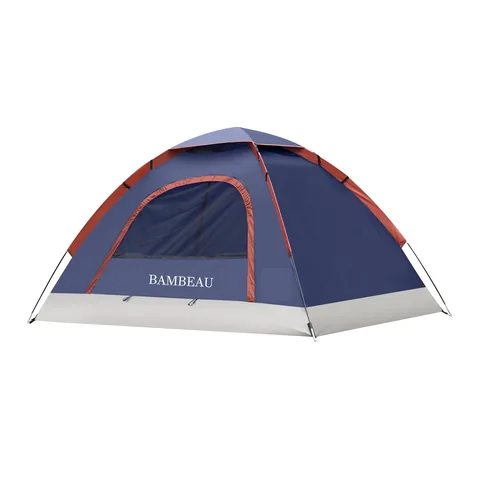 25%
BAMBEAU 2 person dome tent
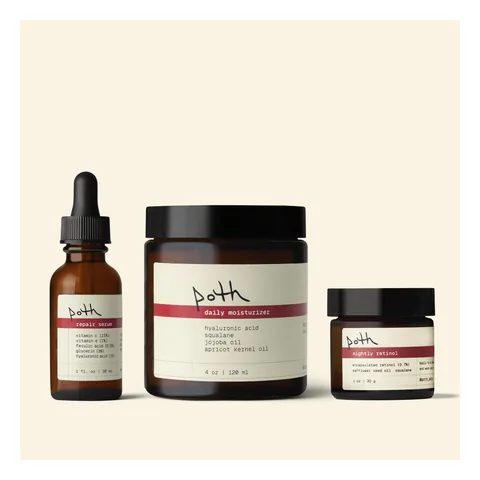 30%
The collagen support set
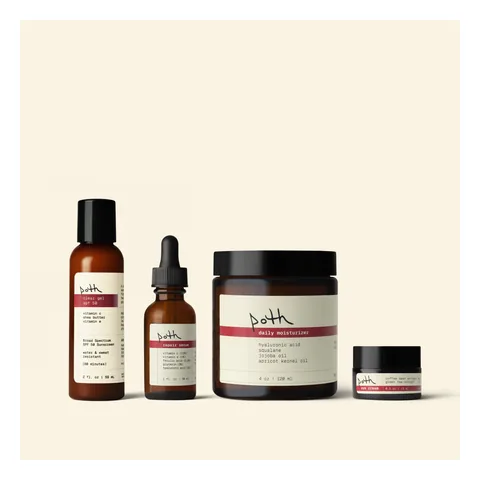 30%
The daytime set
 30%
Omega-3 fish oil chews for dogs and cats
 30%
Dog dental powder with probiotics
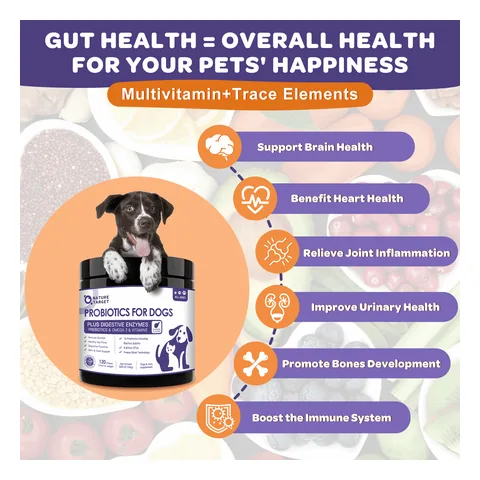 30%
Probiotics with omega-3 for dogs and cats
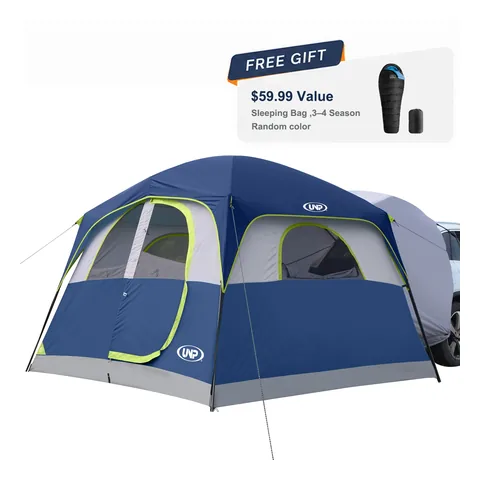 25%
UNP 6 person SUV camping tent
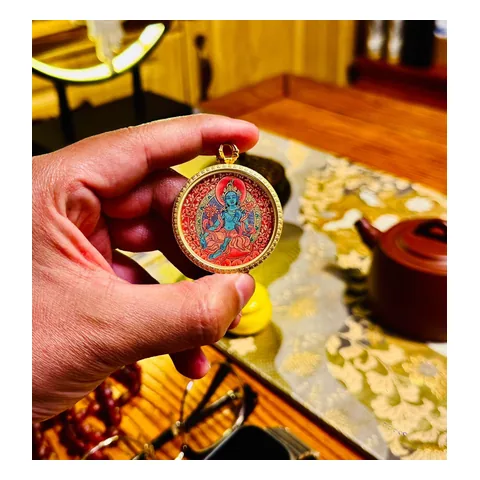 25%
Green Tara hand painted pendant necklace
Your products can sit on this shelf
Set the rate and creators see it before they join.
Start your programA sample only. Prices and rates belong to each brand and change. Creator earnings are the price times the rate, before any fee or discount.
Paid collaborations
Need a specific post? Fund it with escrow.
Commission pays creators for sales. For a post you want on a date, agree the terms in chat and pay at checkout. The money stays in escrow until you approve the published post.
- Agree the offer with the creator in the Ainfluencer chat
- Pay into escrow before the creator starts
- Approve the post once it is live, then the money is released
- Linked to a Shopify product, a paid collaboration can send the product from your inbox
Sample offer and creator.

Full control
Your store. Your terms.
Chat with creators, sync your discount codes, ship from the inbox and choose how each product pays.
1Direct chat
Keep every creator conversation in one place
Brief creators, answer questions, and message a whole campaign at once. Nothing gets lost in email threads.
MAYA20 is attached to your link.2Discount codes
Codes that sync from Shopify
Create a discount code in your Shopify admin and it shows up in Ainfluencer for your partnered creators.
3Ship from the inbox
Send a product without leaving the chat
On a paid collaboration linked to a Shopify product, Ainfluencer creates a free order in your store, marks it fulfilled and tracks the parcel.
4Your rate
A percentage or a fixed amount
Pay a share of the linked product’s order lines, or a flat amount for every unit sold.
5Reports
Numbers straight from your pixel
Clicks, add to carts, sales and commission by day, product and creator, with a CSV export for each tab.
Sample creators, codes and rates.
Your dashboard
Clicks, orders and earnings, creator by creator
Programs, campaigns, affiliates and performance live in one dashboard, next to the wallet you use for paid collaborations.
- Open any campaign to see each creator’s clicks, orders and earnings
- Numbers come from your store pixel, with a CSV export on each tab
- Weekly bars show clicks, orders and revenue over time
- Escrow money for paid collaborations is shown apart from your balance
Sample campaign and numbers.

What is inside
What you get when you connect a Shopify store
A creator program built on your own store data, from the first invite to the last payout.
A one-step connection
Approve the app in Shopify and your products are imported. If you ever uninstall it, the connection is removed.
A tracking pixel
Page views, product views, add to cart, checkout and purchase events are reported as they happen.
Products that stay in sync
Variants are handled as one product, so a rate or status change applies to every size and colour at once.
One link per product
Each creator gets a tracked link for every product in the campaign, generated in a single tap.
Commission at the moment of purchase
The rate on the contract that day is applied once, so a later change never rewrites an old sale.
Charged on a schedule
Sales are billed 35 days after the sale date, in a nightly run, and creators are paid through Stripe.
Search and invite
Find creators and invite them to your campaign one by one or in bulk.
Listed where creators look
Your campaign shows up in the Ainfluencer app with the commission on every product.
Several stores, one account
Connect more than one Shopify store. Each active store counts as a program in your plan.
The creator storefront app from brandID, our sister productYour store’s products, one tap from a creator storefront.
shopID is a separate creator storefront app from brandID, our sister product. Creators browse its catalogue, compare the commission on each product and add the ones they like to their own page. Your Shopify program does not switch listing on by itself, so ask our team to pass your catalogue on.
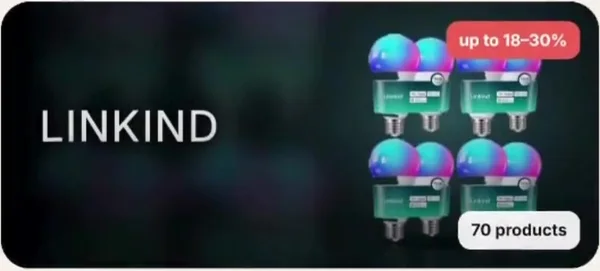
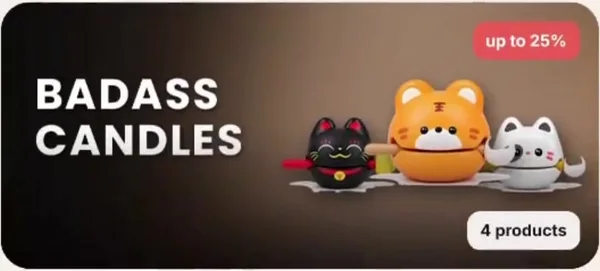
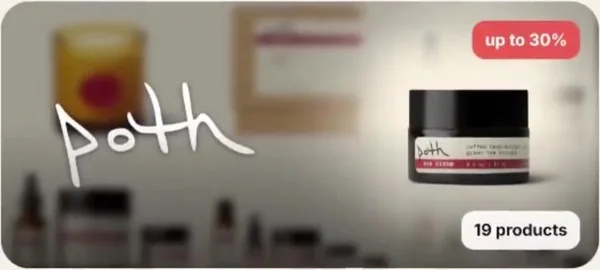
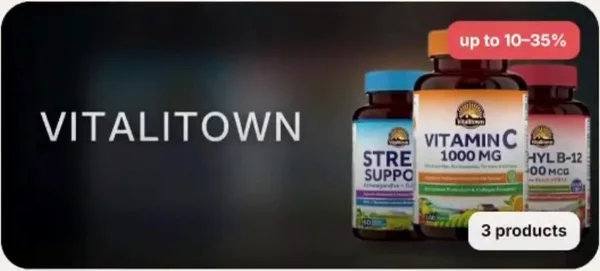
commission on the sample products above, as creators see it in shopID
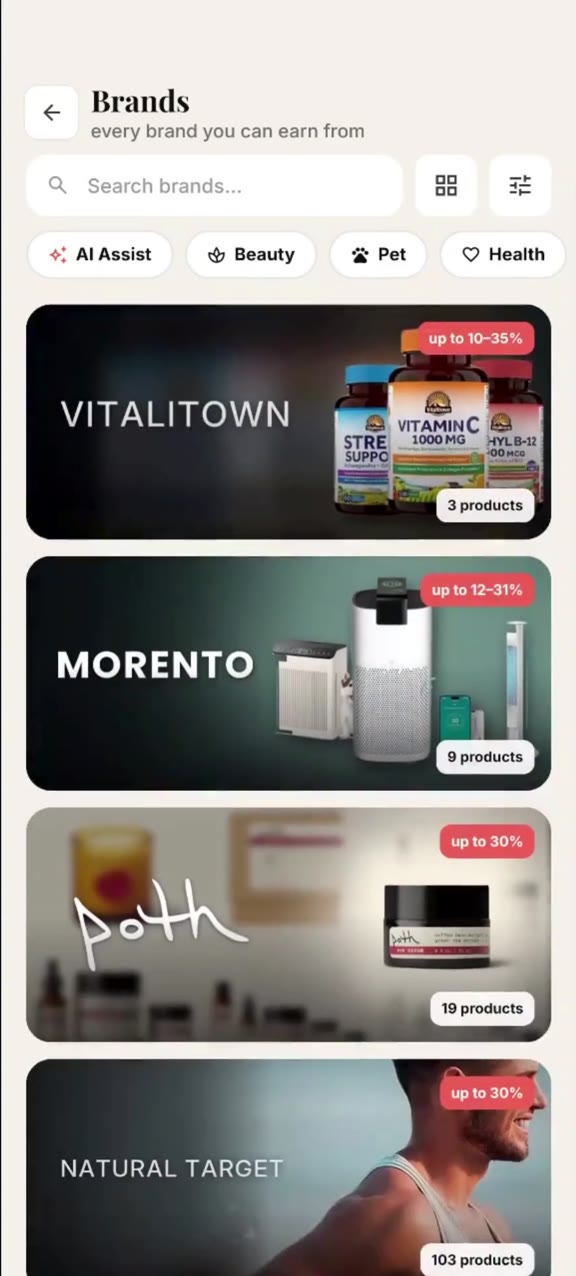
The brands directory in the shopID app
How creators see it
Creators compare offers before they add a product.
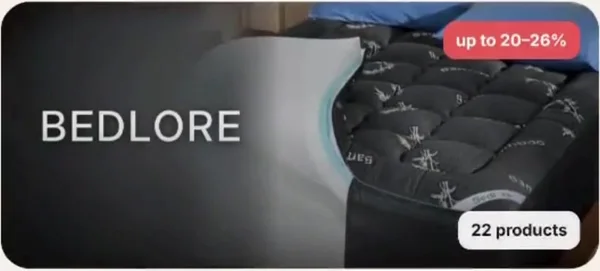
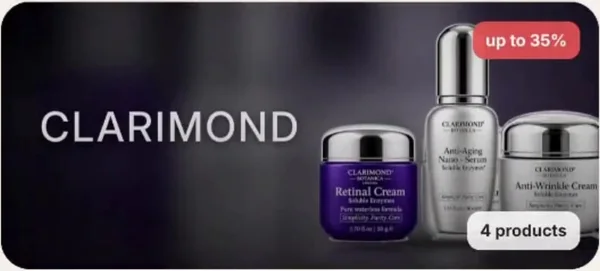
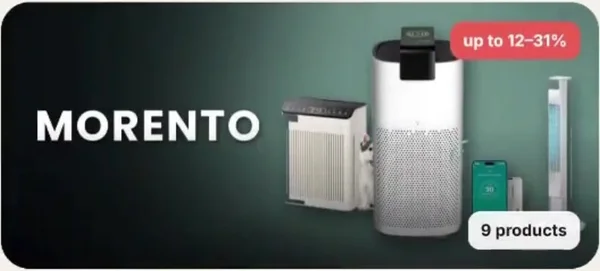
The rate sits on the product card, next to the brand and the price, so the creators browsing shopID can judge your offer in a glance.

How you pay, and when
The money moves after the sale has had time to settle
Commission is the default way to pay creators. Your card is charged in a nightly run, never at the moment of purchase.
- 1
The pixel records a purchase
A purchase through a creator’s link is credited to them, with the commission worked out on the spot.
- 2
The sale ages 35 days
Only sales at least 35 days old are billed, which leaves time for the order to stand.
- 3
Charged and paid out
Your card is charged the commission. Stripe pays the creator, minus Ainfluencer’s fee, which your plan sets.
FAQ
Questions brands ask
Ready to start? Connect your store and your first program can be live today.
How do I connect my Shopify store?
Enter your .myshopify.com address and approve the Ainfluencer app in Shopify. Your products are imported and a tracking pixel goes live on the store. Uninstalling the app removes the connection.
How are Shopify sales tracked?
The pixel reports page views, product views, add to cart, checkout and purchase events as they happen. A purchase made through a creator’s link is credited to that creator, and its commission is worked out at that moment.
Can I pay a percentage or a fixed amount?
Both. A percentage applies to the linked product’s order lines, and a fixed amount is paid per unit sold. Variants of one product are handled as a single product.
Do Shopify discount codes work?
Yes. Create a discount code in your Shopify admin and it appears in Ainfluencer on its own, as a public promotion your partnered creators can attach to their links.
When am I charged?
A sale is billed once it is at least 35 days old. Your card on file is charged the full commission, Stripe pays the creator, and Ainfluencer’s fee comes out of the commission. The fee depends on your plan.
Can I send products to creators?
Yes. Import Shopify products into a gifting program, approve creators and ship them yourself. For a paid collaboration linked to a Shopify product you can send it from the inbox: Ainfluencer creates a free order in your store, marks it fulfilled and follows the parcel to delivery.
How many programs does my plan include?
Free and Starter include 1 active program, Pro includes 2 and Ultimate is unlimited. Each Shopify store or Amazon brand counts as one. See the plans and prices.
Is my store listed in shopID?
shopID is a separate creator storefront app from brandID, our sister product, with its own catalogue. Listing is arranged with our team rather than switched on by your program, so ask when you launch and we will pass your products on. Read about shopID.
Let creators sell your Shopify catalogue.
Connect your store, set a commission and let creators send you shoppers.

