The short answer
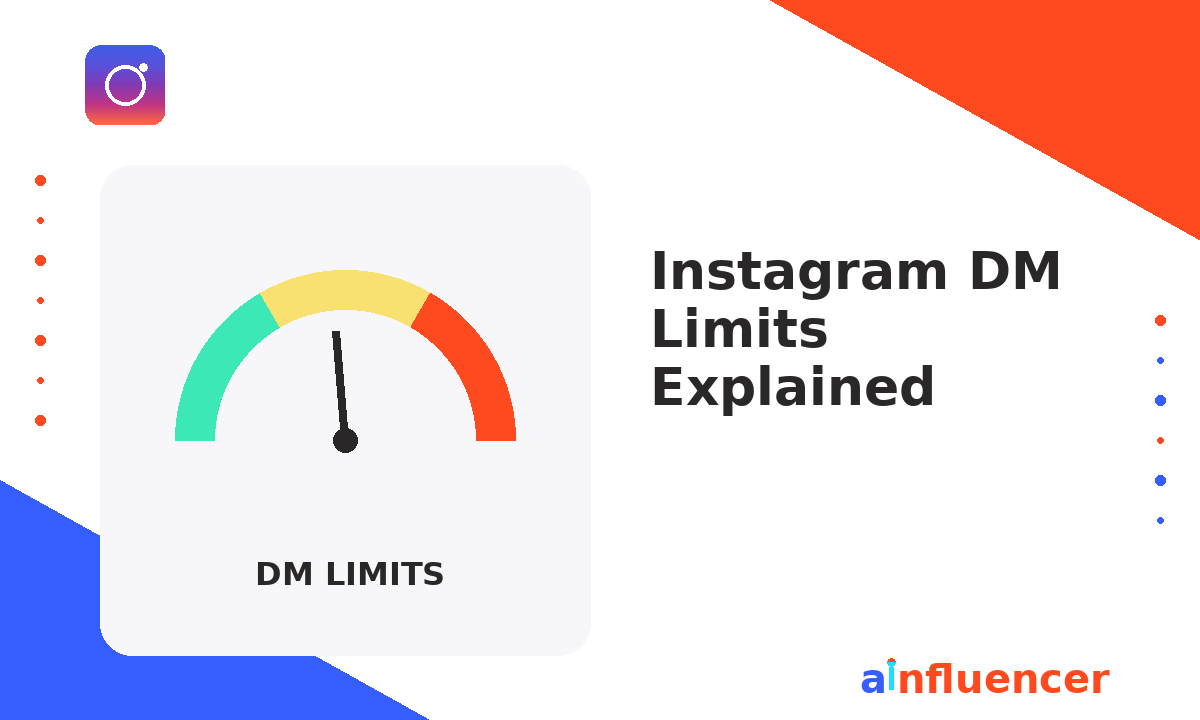
Instagram limits a single direct message to 1,000 characters, and limits how many you can send per day based on how old and how trusted your account is. There is no published send limit. In practice a new personal account is safe around 20 to 40 messages a day, an established account around 50 to 100, and an aged verified business account replying to inbound conversations can go considerably higher.
Volume is only half the question. Staying inside these limits is about pacing, and an Instagram DM automation platform that spaces sends, holds a daily cap and handles replies for you will sit under the ceiling far longer than manual bursts do.
Instagram DM Limits Explained: How Many Direct Messages Can You Actually Send in 2026?
If your Instagram account has ever suddenly stopped sending messages, or you have seen the dreaded “action blocked” notice pop up after a burst of DMs, you have already met Instagram DM limits in the wild. Meta enforces daily and hourly caps on how many direct messages any account can send, and those caps flex based on account age, follower count, and prior violations. In this guide we break down the real numbers, the invisible signals Meta uses to throttle you, and the exact playbook to stay well inside the safe zone while still scaling your outreach.
Why Instagram Enforces DM Limits in the First Place
Instagram DM limits exist for one reason: to keep the platform inbox from turning into a spam graveyard. Meta’s trust and safety systems watch for the behavioural fingerprints of automation abuse, mass promotions to strangers, identical messages sent to hundreds of accounts, or a sudden spike in outbound volume from a previously quiet account. When those signals cross a threshold, Instagram either slows your account down (soft throttle), blocks the specific action for hours or days (action block), or in repeat cases, restricts the account entirely.
The important thing to understand is that these Instagram messaging restrictions are not a single fixed number. They are a moving target that adapts to your account’s history. A three-year-old business account with 200k followers and no violations has a much higher ceiling than a two-month-old account with 800 followers that just started sending outreach.
The Practical Numbers: Daily Direct Message Caps by Account Type
Meta does not publish the exact ceilings, but community testing and API-side observation over the last two years give us a reliable range. The table below reflects the safe planning numbers most professional operators work with today.
| Account Type | Safe Daily DMs | Safe Hourly Burst | Notes |
|---|---|---|---|
| New personal (under 6 months) | 20 to 40 | 5 to 8 | Warm up slowly, avoid links |
| Established personal (6 months+) | 50 to 100 | 10 to 15 | Vary content, spread the day |
| Creator account | 80 to 150 | 15 to 20 | Higher trust for creators |
| Business account (new) | 50 to 100 | 10 to 15 | Even with API, ramp gradually |
| Business account (aged, verified) | 200 to 500+ | 25 to 50 | Only for warm inbound replies |
| API-connected (Messenger API) | Reply-driven, no hard cap | Rate limited per endpoint | 24-hour window rules apply |
The numbers above are for outbound cold messages. Reply-driven flows, meaning messages that go out in response to a user comment, story reply, or inbound DM, are treated far more leniently, which is exactly why comment-to-DM automation has become the safest scale strategy on the platform.
How Long Can an Instagram Message Be?
A single Instagram direct message can hold up to 1,000 characters. Type past that and the app simply stops accepting input, it does not warn you first and it does not silently truncate what you send.
A few things follow from that ceiling which matter more than the number itself:
- Spaces and emoji count. An emoji can consume more than one character, so a message that looks short can hit the wall earlier than expected.
- Splitting is allowed, and it is treated as separate messages. A long pitch broken into four parts counts as four sends against your daily volume, not one.
- Captions and bios are different limits. A post caption allows 2,200 characters and a bio allows 150. Neither applies to DMs, which is where most of the confusion online comes from.
- Length is not what gets you restricted. Sending one 1,000 character message is safer than sending ten short identical ones. Instagram watches repetition and recipient response, not word count.
In practice the limit is rarely the binding constraint. A cold outreach message that runs anywhere near 1,000 characters is already too long to be read by a stranger.
Can You Send 6,000 DMs a Week Without a Ban?
This is the most searched question on this topic, and the honest answer is no, not from a single account.
6,000 messages a week averages roughly 857 a day. Compare that with the safe ranges in the table above: an aged, verified business account replying to warm inbound conversations tops out around 200 to 500 a day, and that is the ceiling for the most trusted account type there is. A new or mid-trust account attempting 857 a day will hit an action block within the first week, usually within the first day.
The volume is achievable, but not the way the question assumes:
- Warm replies scale, cold sends do not. Instagram treats a reply inside an existing conversation very differently from a first message to a stranger. Accounts that genuinely move thousands of messages a week are answering inbound, not prospecting.
- The Messenger API changes the shape, not the rules. An API-connected business account is rate limited per endpoint rather than by a daily cap, and the 24 hour messaging window still governs who you may contact and when.
- Multiple accounts multiply the risk, not the ceiling. Meta links accounts by device, IP and behaviour. Spreading the same campaign across five accounts is the pattern its systems are built to detect.
If the goal behind the number is reaching creators at scale, a platform where they have already opted in removes the limit problem entirely, because the conversation starts as inbound rather than cold.
The 24-Hour Messaging Window You Cannot Ignore
Every serious Instagram outreach strategy has to work around Meta’s 24-hour messaging window. Once a user sends you a DM or triggers a comment-to-DM flow, you have 24 hours to keep messaging them with relatively open permissions. After that window closes, you can only send messages that fit specific Meta-approved message tags (post-purchase updates, account updates, and a couple of others). Cold outreach outside the window is a fast path to a hard block, which is why timing your Instagram auto DM strategies around live engagement moments is non-negotiable.
Signals That Trigger Instagram Messaging Restrictions
Meta’s detection systems are not looking at raw volume alone. They are looking for behavioural patterns. The five signals below are what actually push accounts over the limit, in the order of severity we see in the field:
Identical message copy across recipients. The exact same string sent to 30 people in an hour is the textbook automation fingerprint. Message variant rotation is the single biggest safety mechanic, and every serious tool that offers Instagram automatic responses builds this in by default.
Perfectly regular send intervals. A DM every 47 seconds for two hours is a bot. A DM every 30 to 180 seconds with natural gaps is a busy human. Randomization matters.
Excessive links, especially shortened URLs. Bit.ly and similar shorteners in cold DMs are a red flag. Full domain URLs in reply-driven flows are far safer than shortened links in cold outbound.
High report rate from recipients. If more than one to two percent of the people you DM tap “report” or “block”, Meta’s confidence in your account drops fast. This is more about who you message than how many.
Sudden volume spikes. Going from 5 outbound DMs a day to 400 overnight is a flag even if the copy is varied. Ramp gradually, roughly doubling weekly for the first month.
Stay inside the safe zone automatically
DMpro handles message variant rotation, randomized delays, and rate-limit awareness natively, so you can scale your DM automation without ever seeing an action block.
Try DMpro FreeHow to Warm Up a New Account for Higher Limits
Every new business account should follow a warm-up curve before any real DM outreach or automation begins. The pattern that works consistently: post native content for at least three to four weeks, engage manually with your niche for two weeks (comments, story replies, likes) before any outbound DMs, then start with 10 to 20 warm inbound replies per day. Only after four to six weeks of clean history should you begin ramping outbound DMs, and even then, do it in twenty percent weekly increments.
This slow-burn approach is what separates accounts that scale to thousands of DMs a month from accounts that get action-blocked at week two. Well-tested Instagram DM templates paired with a proper warm-up sequence are the difference between compounding growth and starting over with a new account.
What to Do If You Hit an Action Block
If Instagram messaging restrictions kick in and you see “action blocked” or “try again later”, stop all outbound activity immediately. Do not attempt to send another DM or use a VPN to circumvent. Both signals compound the block. Wait 24 to 48 hours minimum, then resume at half the volume you were previously sending. If the block persists past 72 hours, submit an appeal through the in-app “let us know” prompt and continue using the account normally (posting, replying to inbound) while you wait.
Related Reading
- Instagram Auto DM Strategies: The Complete Playbook
- How to Set Up Auto-Replies on Instagram in 2026
- The Instagram DM Marketing Strategy Playbook
- Instagram DM Templates That Convert
- Instagram Chatbots: The Full Guide
Frequently Asked Questions
How long can an Instagram message be?
A single Instagram direct message can be up to 1,000 characters. Emoji can count as more than one character. Post captions allow 2,200 characters and bios allow 150, but neither limit applies to DMs.
How many DMs can you send on Instagram per day?
Instagram publishes no official number. A new personal account is safe around 20 to 40 a day, an established account around 50 to 100, a creator account around 80 to 150, and an aged verified business account replying to inbound conversations can reach 200 to 500.
Can you send 6,000 Instagram DMs a week without being banned?
Not from one account. 6,000 a week is roughly 857 a day, which is above the safe ceiling for even an aged verified business account. Accounts that move that volume are replying to inbound conversations rather than sending cold messages.
Does Instagram warn you before you hit the DM limit?
No. There is no warning and no counter. The first sign is usually an action block that stops sending entirely, which typically lasts from a few hours to a few days depending on history.
Do message requests count toward the limit?
Yes, and they are weighted more heavily. A first message to someone who does not follow you carries more risk than a reply inside an existing thread, which is why cold outreach hits restrictions far sooner than customer support replies do.
How long does an Instagram action block last?
Most last between a few hours and 48 hours. Repeated blocks extend the duration, and continuing to send during a block extends it further. Stopping completely and resuming at a lower volume is what shortens it.
The Bottom Line on Instagram DM Limits
Instagram DM limits are not a wall, they are a governor. Understand the ranges, respect the 24-hour window, humanize your patterns, and warm up gradually, and you can operate at scale for years without a single action block. The operators who lose accounts are the ones who treat volume as a shortcut. The operators who compound are the ones who treat the limits as a signal to build better systems around timing, variability, and reply-driven flows.